

Your website on a business card
Take people from print to your services, catalog or portfolio.
StudioSystems, SaaS, websites and landing pages built around your project.
Discuss my projectCloudHosting, domains, email and security for your online presence.
Explore Zovvi CloudAgencyDigital marketing, campaigns and paid advertising to connect with your audience.
Discuss my projectTell us what you need. We’ll help you find the next step.
WhatsApp+55 (11) 99149-8980[email protected]Your services, invoices and support in one place.
Sign in to the Client PortalView invoicesAccess your invoices through the portal. Português
 Español
 English
Free QR code generator
Open your website, start a WhatsApp chat or receive Pix payments in Brazil. Customize your code and download the image or a print-ready sign.
Create my free QR codeWebsite, WhatsApp, Pix, Wi-Fi and more.
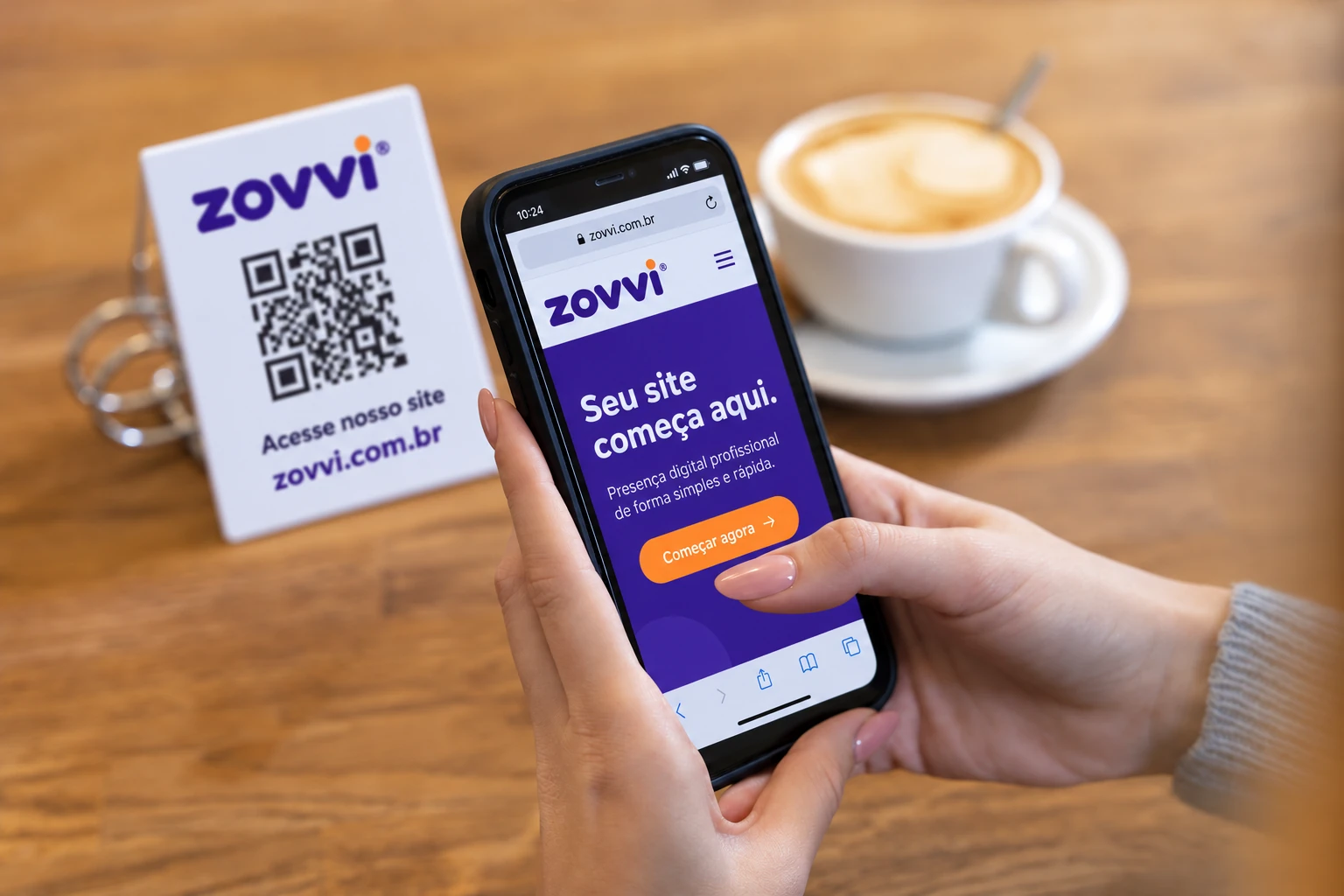
Make it yours
Your QR appears hereChoose a type and add your details.Give your QR a name and create a page to share on social media.
Take people from print to your services, catalog or portfolio.


Make orders and questions easier with a WhatsApp QR on your packaging.

Create a sign with your Pix key to receive payments in Brazil.
Paste your link or fill in the selected type.
Choose colors, then add your logo and message to a printable sign.
Download the image or PDF, print at actual size and test with your phone.
Make the next click yours
Show your services, products and contact details at your own address. Choose Zovvi hosting to put your website online, then use a QR to bring customers to it.
See hosting plans for my website
A static code has no expiry date. If it contains a link, the destination page must remain available.
Static content does not change. If it points to an address you control, you can update that page while keeping its address.
The camera needs to distinguish modules from the background. Use a dark code, light background, clear margin and test at the intended size.
PNG is a pixel image that is easy to share. SVG is a vector format that scales for printing without losing detail.