
Professional email
Manage the email accounts included in your plan, review space and find app settings.
 Studio
Systems, SaaS, websites and landing pages built around your project.
Discuss my projectCloudHosting, domains, email and security for your online presence.
Explore Zovvi CloudAgencyDigital marketing, campaigns and paid advertising to connect with your audience.
Discuss my projectTell us what you need. We’ll help you find the next step.
WhatsApp+55 (11) 99149-8980[email protected]Your services, invoices and support in one place.
Sign in to the Client PortalView invoicesAccess your invoices through the portal. Português
 Español
 English
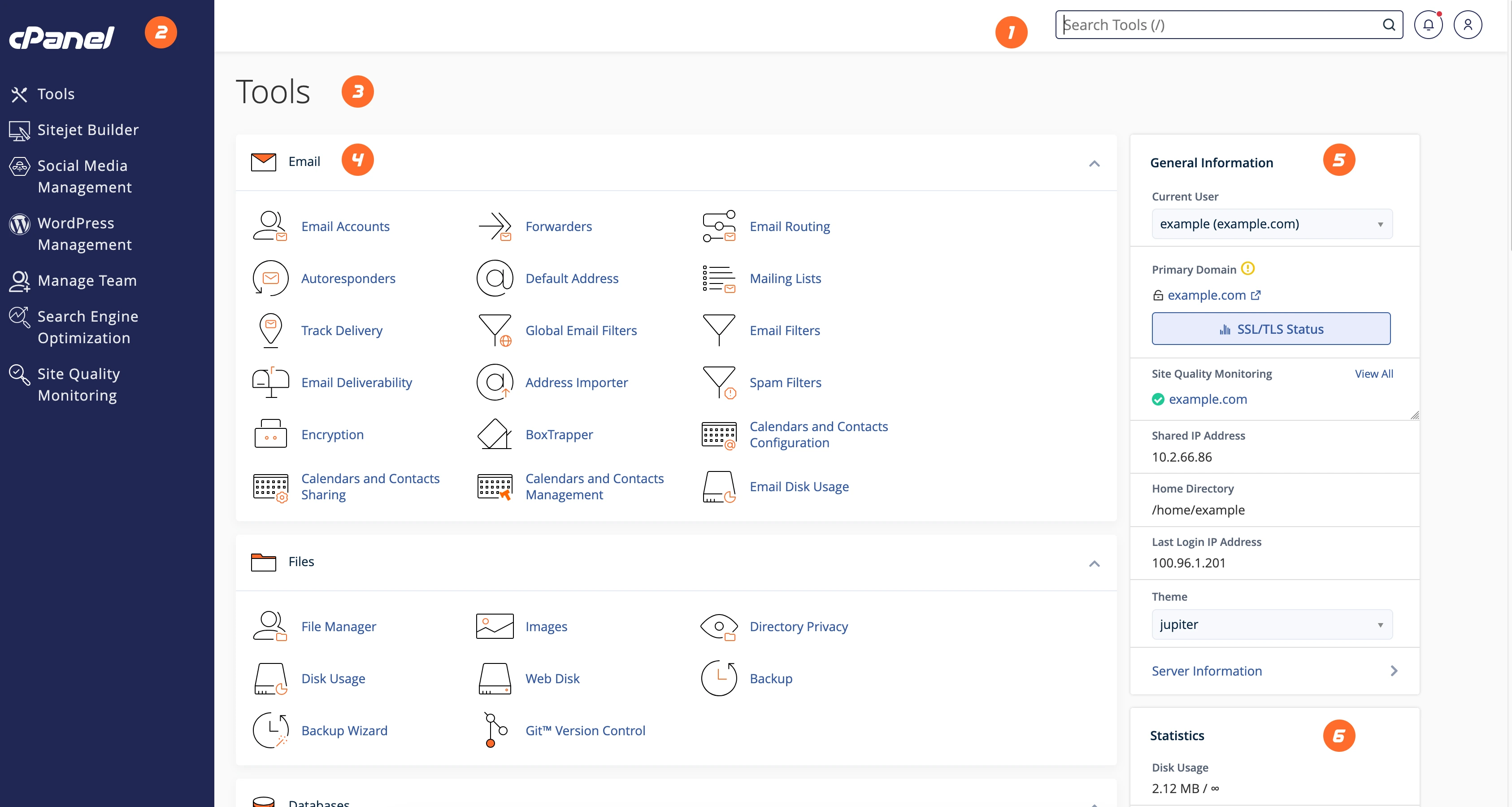
cPanel brings hosting tasks into a visual interface. Find email accounts, files, domains and settings without starting with command-line tools.
Choose a task to see where to begin. Your interface reflects the features available to your account.
Under Email, find Email Accounts. Choose the domain, address and a unique password; check storage, then test sending and receiving.
File Manager organizes account folders. Check which folder belongs to the domain and keep a copy before replacing files.
Domains, DNS and HTTPS have different roles. Review website and email records before changing destinations. cPanel does not replace domain registration.
Manage the email accounts included in your plan, review space and find app settings.
Find tools for files and databases. Keep a backup and use suitable access when making changes.
Can’t find an option? Tell our team what you want to do and which service you are using.
The Client Portal brings together services, invoices and support. cPanel manages hosting account resources.
The interface adapts to smaller screens. Some tasks, such as organizing many files, are easier on a computer.
The interface varies by version, plan and enabled tools. Account limits follow your purchased offer.
Compare plans or tell us what you want to put online.